General Settings
StormTunnel → Settings (Cmd+,) → General tab
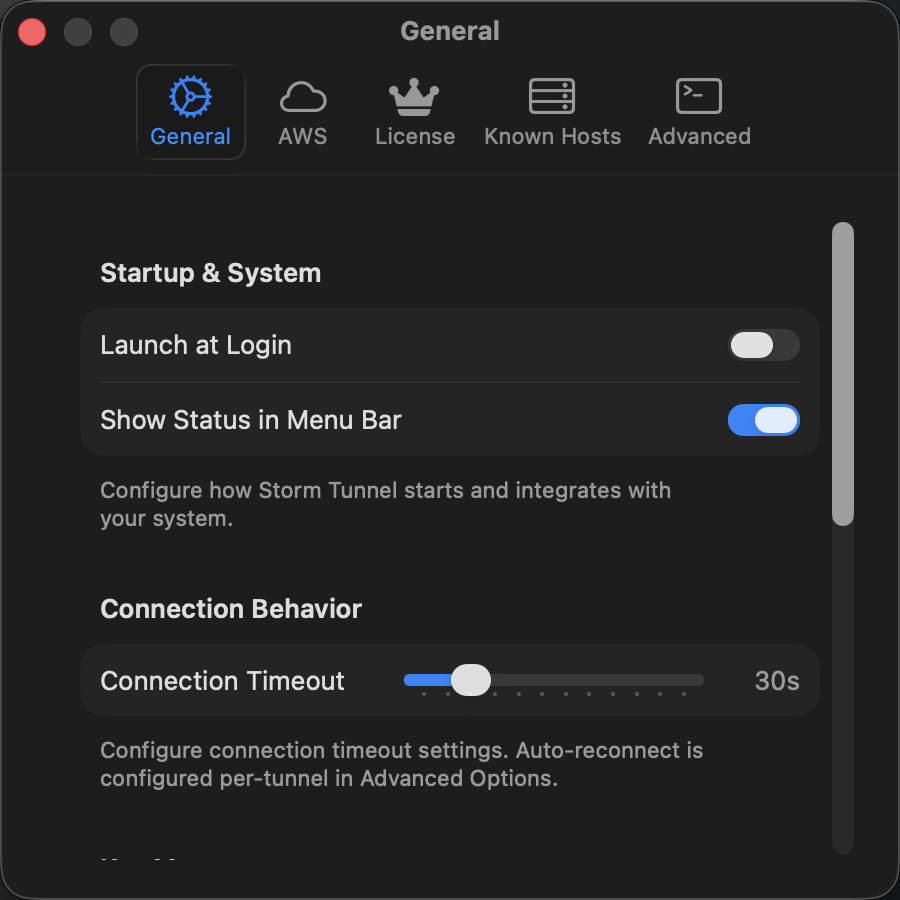
Startup & System
| Setting | Description | Default |
| Launch at Login | Start StormTunnel automatically when you log in | Off |
| Show Status in Menu Bar | Display connection status and quick actions in the menu bar | On |
Connection Behavior
| Setting | Description | Default |
| Connection Timeout | Maximum wait time when establishing SSH connections. Range: 10--120 seconds, in 10-second increments. | 30s |
Lower values detect failures faster but may time out on slow networks. Higher values suit unreliable connections but delay error reporting. Auto-reconnect is set per tunnel in Advanced Options.
Key Management
| Setting | Description | Default |
| Show Stale Validation Warnings | Warn when an SSH key hasn't been validated in over 30 days | On |
| Manage SSH Keys… | Opens the SSH Key Management window | -- |
Notifications
| Setting | Description | Default |
| Prefer toasts when app is active | Show in-app toast notifications instead of system banners when the window is visible | On |
| Show system notifications | Display macOS notification center banners when the app is in the background | On |
| Always show critical errors as system notifications | Show critical errors as system notifications as well as toasts. Available when Show system notifications is on. | On |
| Enable notification sounds | Play sound effects for notifications and alerts | Off |
Notification Routing
| App State | Toast Pref | System Notif | Result |
| Active | On | On | Toast (non-critical), System + Toast (critical) |
| Active | On | Off | Toast only |
| Active | Off | On | System only |
| Active | Off | Off | None |
| Background | Any | On | System only |
| Background | Any | Off | None |
All settings take effect immediately. No restart required.