First-Time Setup
StormTunnel's onboarding introduces the app, explains security and file access, offers optional SSH key import, and presents the privacy policy.
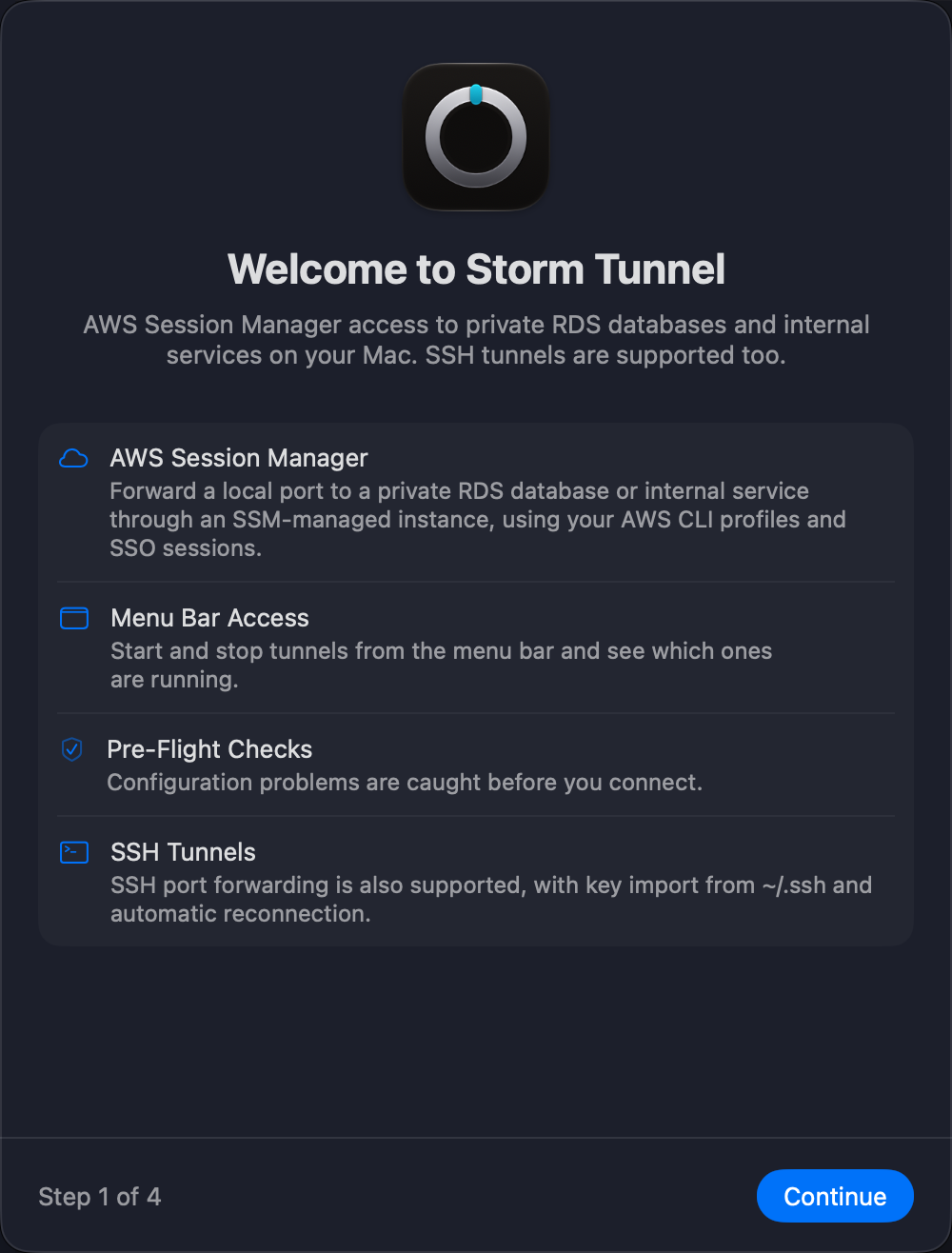
Onboarding Steps
- Welcome — Review AWS Session Manager access to private RDS databases and internal services, menu bar access, pre-flight checks, and SSH support.
- Security and Privacy — Review the app's access needs and security information.
- SSH Key Import — Import keys if you use SSH tunnels, or skip this step for AWS Session Manager.
- Privacy Policy — Review the policy and finish onboarding.
Imported SSH keys are for SSH tunnels. AWS Session Manager tunnels use an AWS profile and do not require SSH keys.
After Onboarding
For the recommended AWS workflow, continue to Get started with a private RDS tunnel.
For SSH setup, see Creating tunnels and Authentication.